 EVORON AI
About us / Product features
EVORON product features
More than generated prose.
A path from an idea to a reader.
The writing workspace supports planning, drafting, revision and preparation for publication. The open library brings discovery, shelves and reading together. Come just to read, or begin your own work.
Planning
Start by making the book you want clear.
Begin with an interest, an experience or a question you have not found an answer to.
- Develop the brief
- Describe the subject, intended reader, perspective and scope. Refine the title, type, language and style through conversation.
- Build the structure
- Review the outline and chapter plans, turning a broad intention into an ordered writing brief.
- Keep the brief in view
- Consult the project settings and writing requirements in the workspace, giving later chapters a shared starting point.
A defined writing brief and a whole-book structure you can review.
Chinese and English, fiction and nonfiction are supported. The particular workflow depends on the work and configuration.
Writing
Work on a book, not a collection of disconnected prompts.
Keep chapters, progress and the manuscript together instead of moving text between separate conversations.
- Follow the chapters and text
- Open a project in the manuscript workspace to view chapter status, the current writing stage and existing prose.
- Guide what comes next
- Queue instructions while writing is underway for use in subsequent chapters. This does not automatically rewrite earlier text.
- Pause and continue
- Pause when you need to review the direction, retain existing progress and continue later. A pause takes effect at a safe stopping point.
A developing long-form manuscript with visible task progress.
Generation time and credit usage depend on length, configuration and actual execution. A fixed completion time is not guaranteed.
Revision
A finished draft is the start of another kind of work.
Use editorial feedback to return to the text, rather than stopping at a score.
- Read and edit the manuscript
- Work on the prose, chapter titles and illustrations in the editor, and use manuscript revision workflows to continue improving the book.
- Read the assessment
- Review the report and individual editorial suggestions to identify passages and issues that deserve another look.
- Go to the relevant chapter
- Open the corresponding chapter when the report can identify it reliably. If it cannot, the interface explains the limitation.
An editable manuscript and a report to support your review.
Historical reports describe the manuscript at the time of assessment. Chapter links open the current working draft. Scores are not factual accuracy percentages or a substitute for verification.
Covers & export
Give the manuscript a form you can share.
Prepare the cover, description and files that help readers encounter a work.
- Create and choose a cover
- Generate a cover based on the book, try another design or select from previous covers.
- Edit publication details
- Refine the title, author credit and description in the publication center, and review the book preview.
- Download the manuscript
- Export Word, Markdown or plain text from the workspace for storage, further editing or preparation for distribution elsewhere.
A cover, a book description and downloadable manuscript files.
Generating another cover consumes credits. Exporting a file does not mean it has passed another platform’s format or content review.
Publication
The choice to publish belongs to the author.
Write for yourself first, or bring a work you want to share to more readers.
- Prepare in the publication center
- Manage the cover and book information, then confirm publication to the EVORON library.
- Help readers assess the work
- Present the book through its details, description, contents and text.
- Keep other distribution options open
- Use exported manuscripts to prepare for other platforms. Submission and approval on those platforms are separate processes.
A public work and its page in the EVORON library.
Publication does not waive rights or imply endorsement by a traditional publisher. Authors must ensure they have the necessary permission to publish.
Reading
Find a book. Open up a subject.
Reading public books is free. Writing credits pay for creation services, not admission to the library.
- Look before you begin
- Browse books and categories, then use the description and contents to decide whether a book fits your interests.
- Build your shelf
- Sign in to keep track of books you want to read or are already reading, so you can find them again.
- Read on the web
- Open the text from a book’s page and read by chapter. Use your phone too, without purchasing creation services first.
A library for discovering books, managing a shelf and reading the text.
Free reading does not grant permission to republish, adapt or redistribute a work.
A real work / A Ton of Goods
How a book reaches its readers.
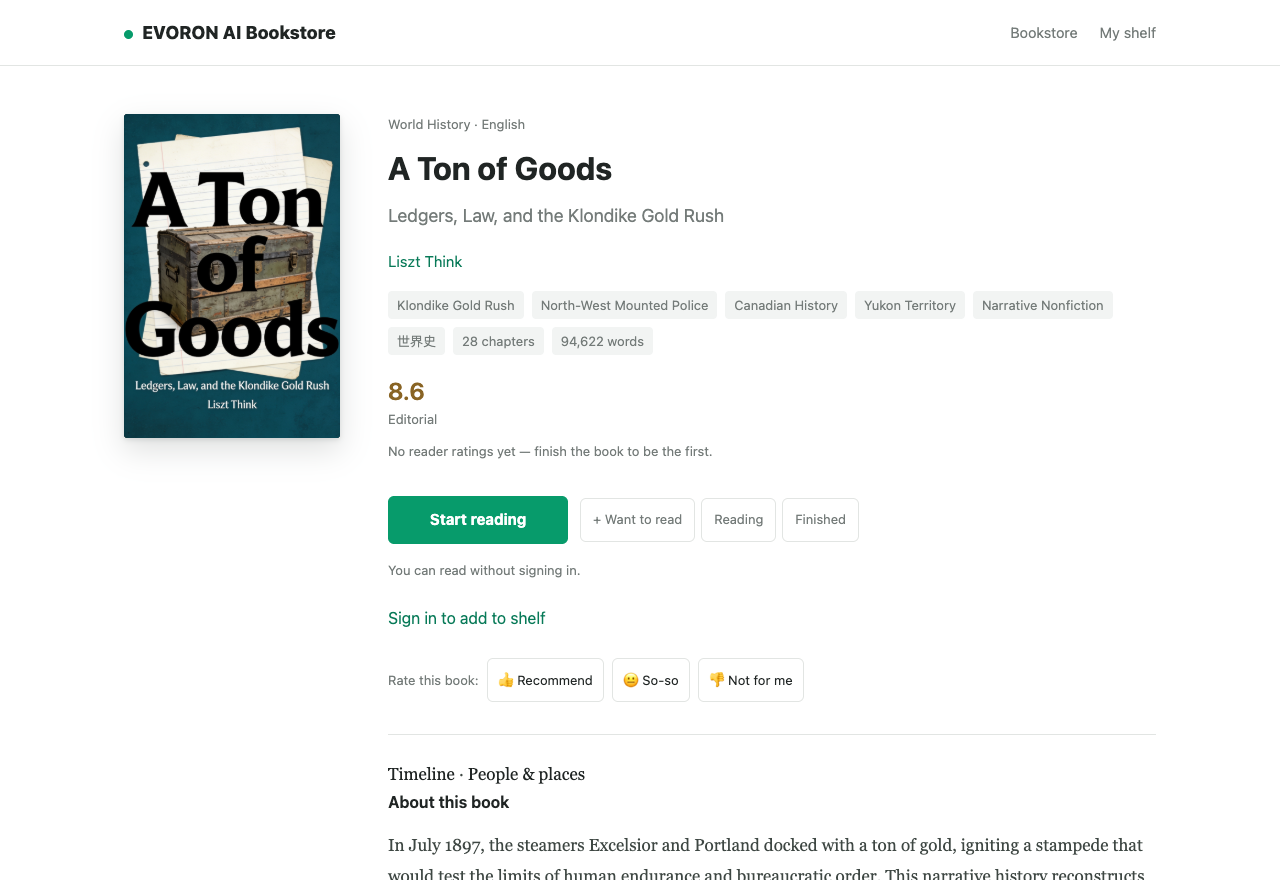
This English nonfiction work approaches the Klondike Gold Rush through supplies and the cost of survival. Its public page brings together the cover, book information and reading entry point, so readers can consider the work before starting.
Begin with your curiosity